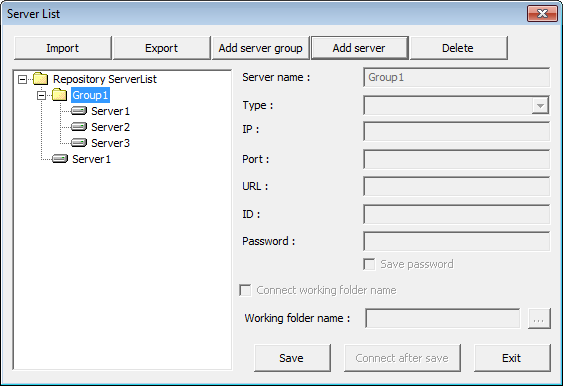
Select Preview Type
Note The following are required according to the preview type. HTML5 viewer: Windows 7 or later. Java: JRE 1.6 or later. .Net: Microsoft .NET Framework 3.5 with Service Pack 1 or later. The .Net server library file must be registered using the assembly registration tool, RegAsm.exe. You don't need to prepare the above prerequisites if you install OZ Report Designer by OZ client install shield. |
To open a report with viewers other than the ActiveX type or save it in various file formats, OZ Report Designer enables you to preview the report with all types of viewers and file formats at design time.
Preview with OZ Viewer
On the Home tab, in the Preview group, click the Preview Type and select the value of one of ActiveX and HTML5, and then click Preview.
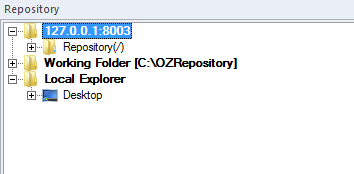
Preview as File
On the Home tab, in the Preview group, click the Preview Type and select the value of one of PDF, XLS, XLSX, DOC, PPT, HTML, CSV, TXT, TIF, SVG, and HWP, and then click Preview.