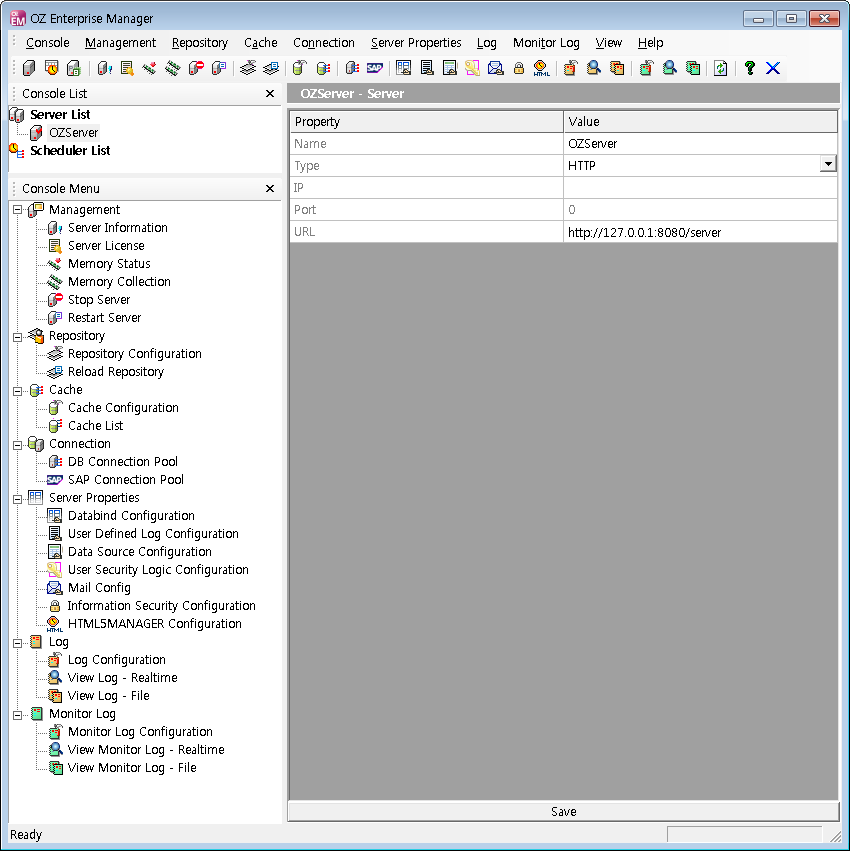
Login Server
Open a pop-up by right-clicking on the server to log in the Server List, and click on [Connect] to open up the "Login" dialog box.
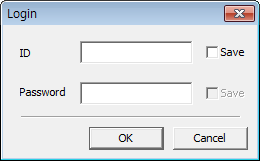
With admin privileges on the "Login" dialog box, enter the user ID and password, and then connect to the server and click the [OK] button. When the connection to the server is complete, icons and menus that can manage the server is displayed in the toolbar and console menu.