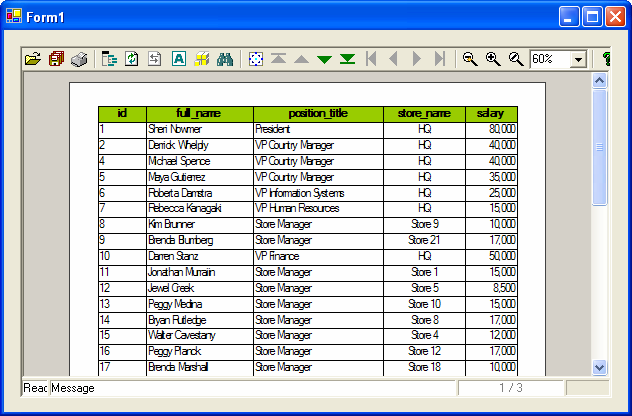
Embedded in Visual Basic .NET - ActiveX Viewer
Add OZ Viewer Module in the components of Visual Basic, and add OZ Viewer Module in the form. Call CreateReport function of OZ Viewer and embedded.
Explains how to embed OZ Viewer in Visual Basic .NET and display the report in the OZ Viewer.
Add OZ Viewer in the component
Click [Project] > [Add Reference] menu in Visual Basic .NET.
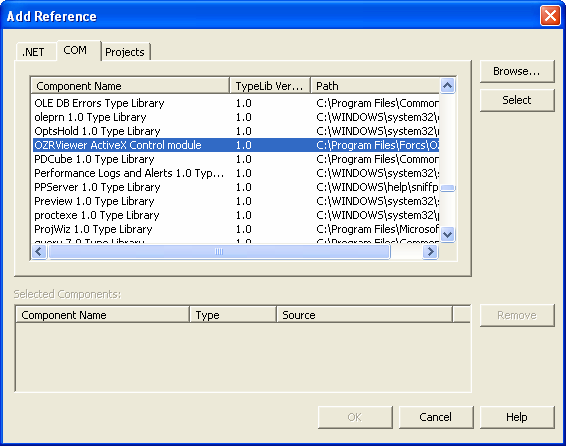
In the [COM] tab of Add Reference Dialog, add OZ Viewer Module by double-clicking "OZRViewer ActiveX Control module" and clicking the [OK] button.
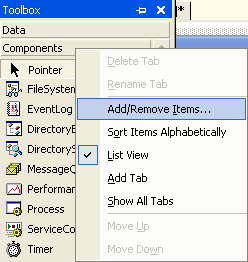
Click [Add/Remove Items] in the pop-up menu appeared when right-clicking on the Components of Toolbox window
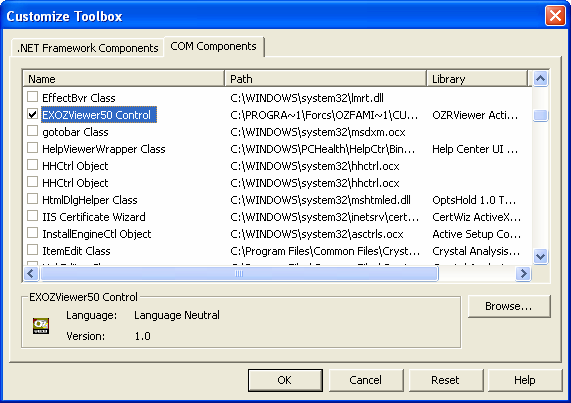
Select the [COM Components] tab in Customize Toolbox Dialog, check the OZ Viewer module "EXOZViewer50 Control" and then click the [OK] button.
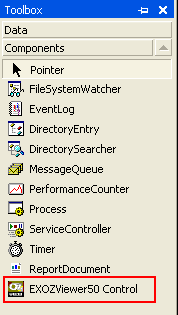
Confirm that OZ Viewer Module is added in "Components".
Add OZ Viewer in the form
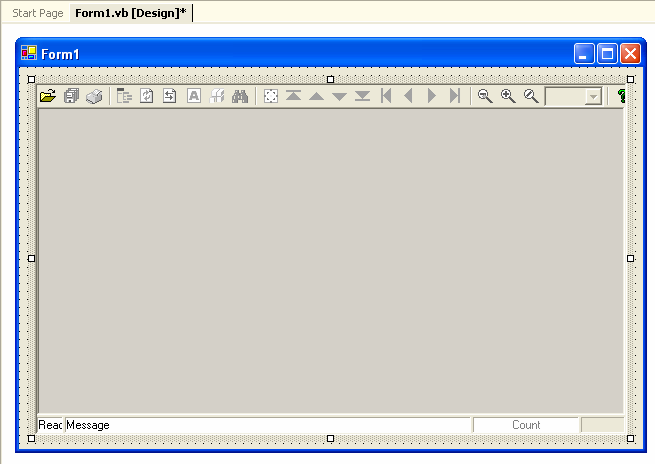
Add "EXOZViewer50 Control" in the form.
Enter script
In the script window, by double-clicking the designed form, input the script as below in the "Load" event of "Form1 Events".
// AxEXOZViewer301 is EXOZViewer50 Control name that added in the form. AxEXOZViewer301.CreateReport("connection.servelet=http://127.0.0.1:8080/oz/server" + Chr(10) + "connection.reportname=sample.ozr"); |
Run project
Click [Debug] > [Start] menu, and confirm that OZ Viewer is displayed by embedding.